
Updated
A blank spreadsheet can track subscriptions. It cannot stop a careless cancellation unless you build a decision process around it.
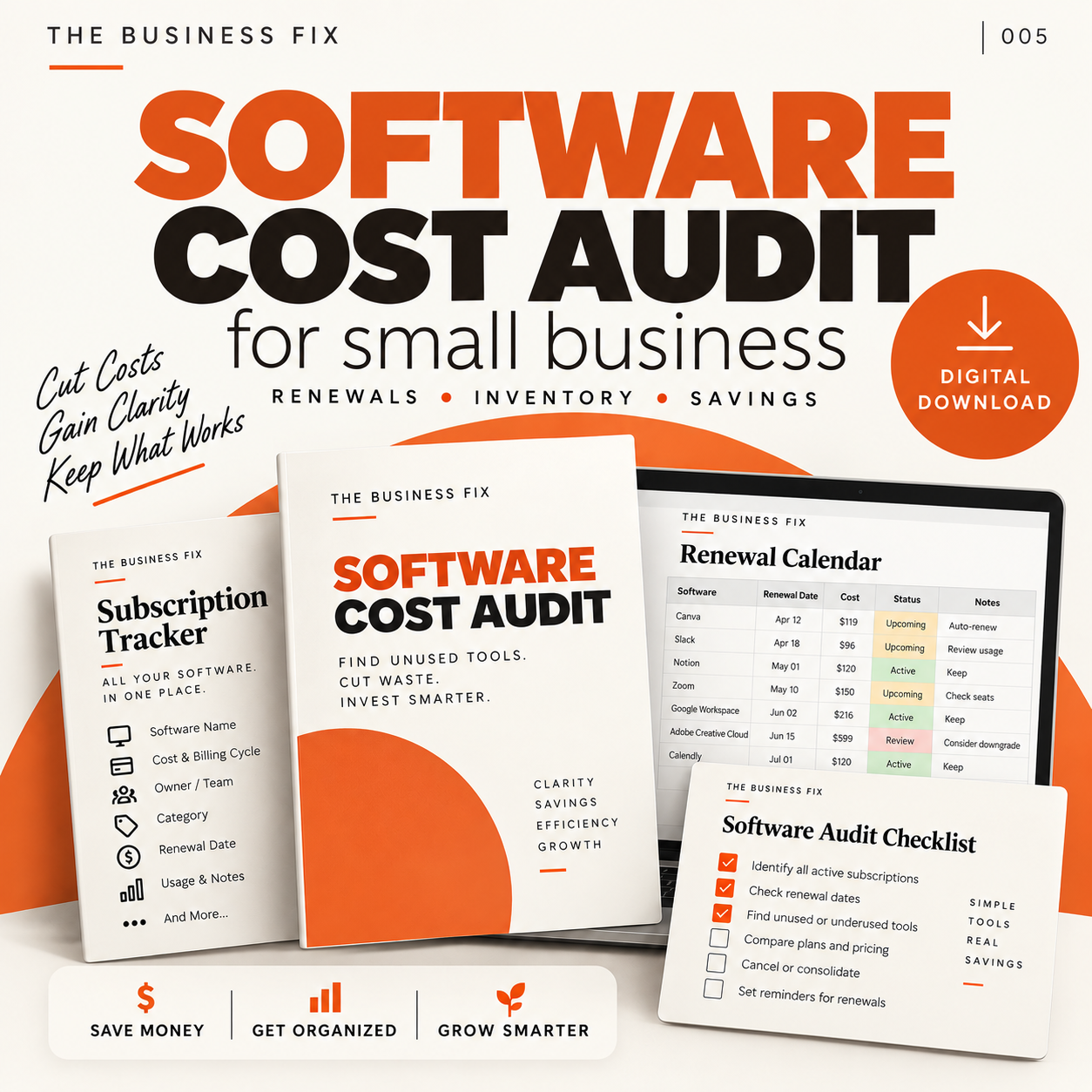
That is the buying decision behind Cut Your Software Bill. You are not paying for the idea of listing software. You are paying for a structured set of files that separates inventory, investigation, decisions, cancellation checks and verified billing results.
Start with the work, not the toolkit
A software audit is a decision control, not a hunt for arbitrary cancellations. A £20 subscription nobody uses properly is still wasted money, but low usage alone is not enough evidence to remove a service.
Before opening any template, collect the source material. Compare payment records with the subscriptions people say they use. For each service, establish its owner, purpose, billing interval, renewal date, seats, active users and important integrations.
Record annual cost for comparison, while keeping the actual payment schedule visible. Otherwise, a renewal can still become a surprise even when the annual figure is correct.
- List every subscription found in payment records and internal records.
- Name the owner and identify the people who use each service.
- Separate unused seats from an unused service.
- Record criticality, duplicated functions, integrations and renewal exposure.
- Choose keep, reduce, consolidate, investigate or cancel.
- Name an approver and assign the next action.
- Verify the completed billing change before recording a saving.
You can do all of this without buying anything. A blank document and workbook are sufficient if someone can design the fields, maintain the evidence and enforce the decision gate.
What a home-built process must cover
The advantage of an existing internal process is familiarity. If your business already records subscriptions, ownership, usage, renewals and dependencies consistently, another set of files may add little.
The weakness of a basic list is that it often stops at cost and login counts. That misses the distinction between a service nobody needs and a service that quietly runs an integration. Asking one person whether they use it does not establish whether the business depends on it.
A workable home-built audit needs separate controls for proposed changes and completed results. A reduction remains potential until the billing change is verified. Cancellation may leave the service paid through its current term, while moving the work elsewhere may introduce another cost.
What the paid files add
I create and sell Cut Your Software Bill as a Business Fix toolkit. It is a one-off digital purchase. The current product page is the right place to check its price and purchase details.
The toolkit does not perform the audit for you. Its value is in providing separate working files for different stages of the control process.
- The Software spend review guide helps you inventory subscriptions before cutting them, then distinguish unused spending from tools the business depends on.
- The Software inventory and spend summary records owners, seats, active users, cost, renewals and decisions in one workbook. Proposed seat reductions still need manual verification before being treated as savings.
- The Software decisions worksheet records what to keep, investigate or change, together with the evidence and responsible owner.
- The Safe cancellation checklist prompts checks on exports, integrations, affected people and replacement arrangements. It also requires verification that billing stopped.
- The Software review notes provide blank fields for facts, assumptions and the next review action. The numerical summary belongs in the workbook, not this text file.
- The Software cost decision review checks that the chosen change was completed and supported by billing evidence before the result is recorded.
These are selected files and not necessarily the full pack inventory. Their practical contribution is separation of duties within the audit: gathering facts, making a decision, acting safely and confirming the commercial result.
Where the toolkit earns its place
I would consider buying it when software information is scattered, renewal decisions are informal or proposed reductions are routinely confused with completed savings. In those circumstances, starting from blank documents means designing the process while trying to run it.
I would not buy it merely to produce a list of monthly subscriptions. A simple internal record can do that. The toolkit becomes relevant when you need evidence, ownership and completion checks around the list.
The distinction matters when functions overlap.
Illustrative example: a team has two scheduling tools with similar functions. Cost and usage figures do not establish which one can be removed. Someone must check public booking links, connected calendars and any customer workflow that relies on either service. The replacement route should be tested and links updated before billing changes. Only the new bill or renewal position can confirm the reduction.
What the buyer still owns
No software or consultancy is included. Buying the files does not transfer responsibility for finding subscriptions, checking records, interviewing owners or deciding whether a dependency is acceptable.
The buyer still owns the work of:
- Obtaining accurate billing and usage evidence.
- Checking integrations, public links, exports, retention needs and access ownership.
- Choosing and naming an approver for each decision.
- Testing replacement arrangements before removing a service.
- Completing changes with suppliers and affected people.
- Confirming the bill or renewal position after the action.
- Running recurring reviews before renewals and when the team changes.
- Maintaining a route for people to request software with a clear purpose and owner.
A template can make omissions more visible. It cannot resolve an unclear dependency or verify a supplier's bill without someone doing the work.
Who should keep their existing process
Do not buy the toolkit if your existing software register already captures ownership, purpose, cost, billing schedule, renewal dates, seats, usage, dependencies and decisions, and your team verifies completed billing changes. In that case, the important job is maintaining the process you have.
It is also unnecessary if you only want a rough list and have no intention of investigating dependencies or acting on renewal decisions. The files would add structure that you are not prepared to use.
Nor should you buy it expecting an automated scan, cancellation service or consultant-led review. None of those is included.
The suitability check
Before buying, take one subscription and try to answer five questions from your current records:
- Who owns it?
- Who actively uses it, and what depends on it?
- When and how does it renew?
- What decision has been made, on what evidence and by whom?
- How will you verify that the billing change happened?
If your existing process answers all five cleanly, keep it. If you can answer them only by searching across bills, messages and assumptions, first gather the payment records and subscription owners. Then compare the work of building your own controls with the structured files on the current Cut Your Software Bill product page: https://chrisgjones.co.uk/business-fix/cut-your-software-bill