Editable Business Proposal Template
A full editable proposal with scope, investment, responsibilities and next action.

The Business Fix · 016
Proposals need to make the buying decision clearer
Turn the customer’s problem, agreed scope and approved price into a proposal they can understand and act on. Use the editable Word templates, review checks and tracker instead of opening another blank document.
Secure Stripe checkout. No account required.
What should change
When scope, exclusions or the next step are unclear, the customer has more questions to resolve before deciding. Starting from scratch also makes every proposal slower to prepare and harder to check consistently.
By the time you finish, you should have:
A full editable proposal with scope, investment, responsibilities and next action.
Choose READY TO SEND, NEEDS WORK or DO NOT SEND YET using evidence and approval gates.
A filtered register with status choices, follow-up flags, summary and separate fictional example.
Look inside the system
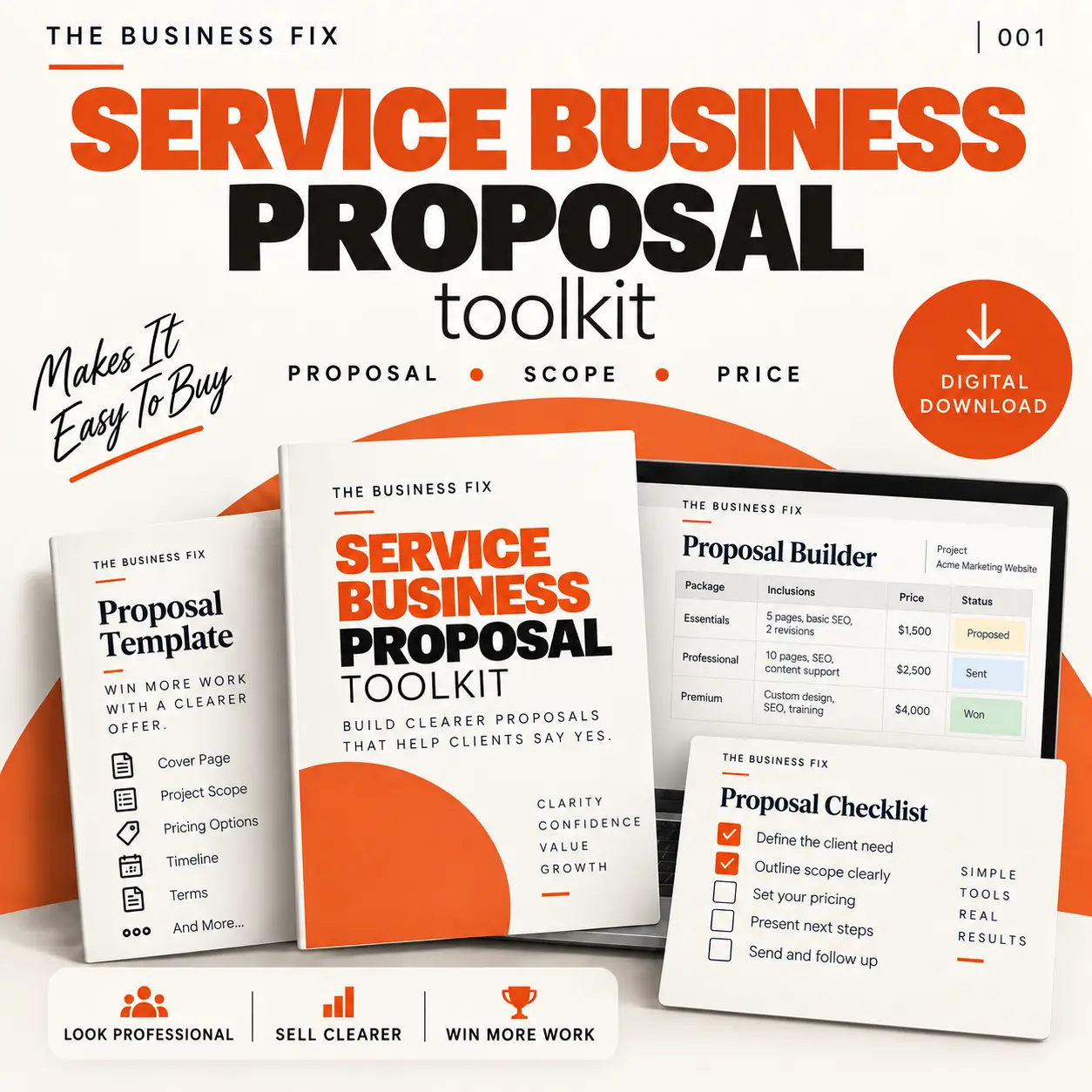
These graphics use the matching product cover and selected previews from the real files in Business Fix 016. They show the structure and route without exposing the complete buyer pack.
Select any image for a larger view. Preview content is intentionally limited.
Is this the right fix?
You sell services, consulting, agency or contracted work through written proposals and already have enough sales information to define the recommendation.
You need legal contracts, automated quoting or a guarantee of winning work. Keep your approved terms and instruction process alongside the proposal.
The working method
Proposals become difficult to buy when they describe the seller at length but leave the customer's decision unclear. Use verified sales notes, choose the full or lighter Word template, then apply the readiness gate before sending. Record the follow-up as part of the same workflow.
See the method in action
Illustrative example: enquiries reach two inboxes with no clear handover. A useful proposal names the problem, sets out a review of the enquiry route and a draft handover checklist, states that CRM configuration is outside scope, shows the approved fee and asks the customer to confirm the scope.
From draft to a controlled next action
Fourteen practical checks lead to READY TO SEND, NEEDS WORK or DO NOT SEND YET. Material unknowns and unapproved commitments stop the send; a score cannot override them.
Sales notes → draft → human review → proposal. The optional AI prompt uses approved inputs and marks gaps NEEDS CONFIRMATION. It must not invent scope, prices, dates or proof.
Use the Excel register to record status, value, decision date and follow-up. Use the included cover emails and follow-up sequence to answer useful decision questions.
By the end, you should have a customer-specific problem statement, completed proposal, clear scope and exclusions, approved pricing, an explicit next step and a repeatable review and follow-up routine.
Included
Related Business Fixes
If there are not enough sales conversations to turn into proposals, build your reachable prospect list and outreach approach first.
A clear proposal still needs a viable price. Check delivery costs, margin and discount impact before approving the investment section.
If every proposal describes a completely different service, define the repeatable core of the offer before improving the document.
After the proposal is accepted, give invoicing and payment follow-up the same clarity as the sales process.
Questions before buying
A free Word template gives you a place to type. This toolkit also helps decide what belongs in the proposal, define the scope, present the price, check the draft and follow up. AI can help write from approved notes; the readiness check and human approval still determine whether it is fit to send.
One ZIP with 16 files: four PDFs, six editable Word documents, one Excel tracker and five text files. The pricing builder includes a Good / Better / Best layout.
Yes. The full and short proposal templates are editable Word documents, alongside four working builders. Review the layout after adding your content. The PDF guides are for reference.
No. This is a commercial proposal toolkit, not legal contract drafting. Keep your approved contracts, terms, professional advice and instruction process where applicable.
No. The toolkit works without AI. An optional prompt helps prepare a draft from approved inputs; software subscriptions are not included and human approval is mandatory.
No. The 30-minute workflow is a structured drafting session. Discovery gaps, complex scope and approvals may need more time. It does not guarantee a sale or a drafting time.
The Excel workbook has 100 prepared proposal rows, filters, eight status choices, follow-up flags and a summary. It gives you a simple place to track proposals and their next actions.
Yes. The one-off final customer price is £97 through secure Stripe checkout. It is a digital download; no physical product or software licence is supplied.
The Business Fix 016
£97 one-off payment. Digital download. No subscription.
Need help deciding what comes first? Explore the Owner’s Review